Install Flathub apps on Fedora


Get and install the Flathub repo
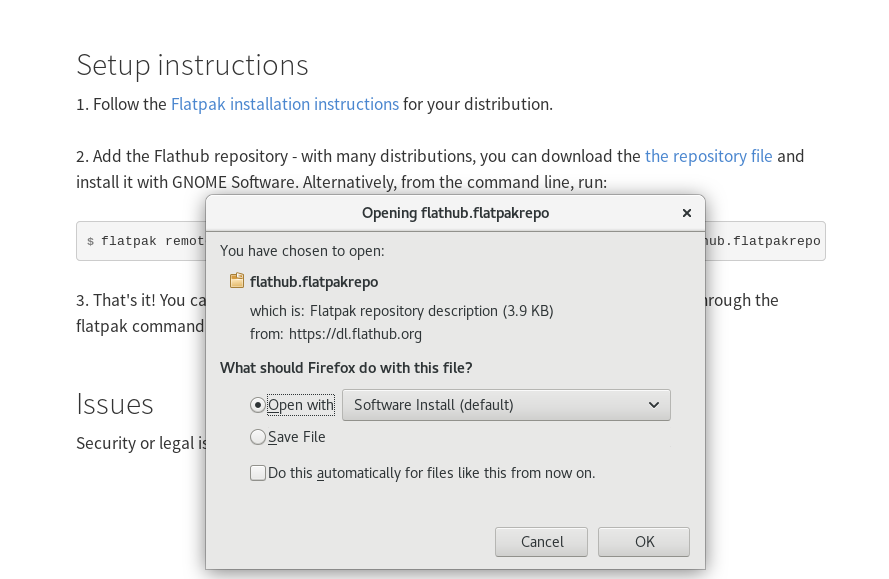
Go to the Flathub website, and on the main page, there is a link to their repository file. Download, and open with Software Install:
Software appears, and to install the repo, simply click Install.
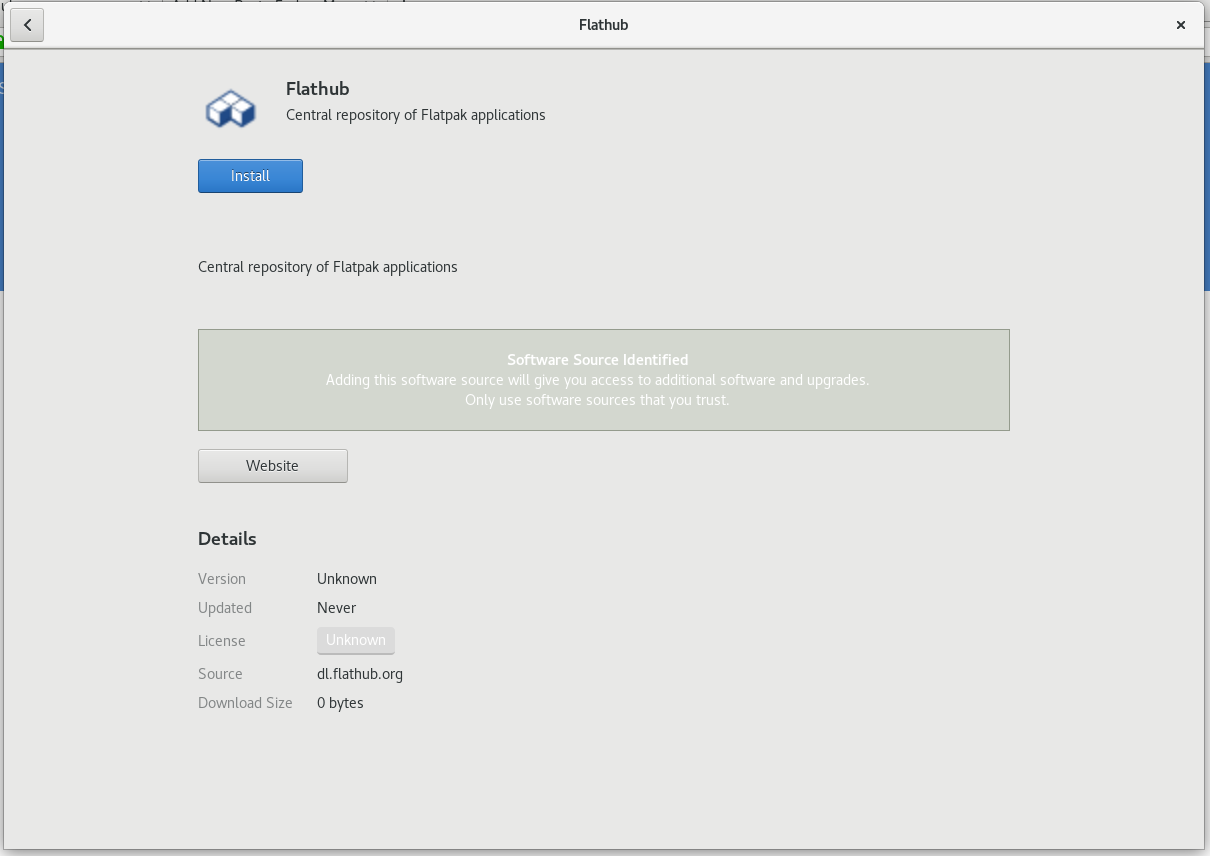
Note: Flathub is a third party repository of software that is not in the Fedora distribution. As such the Flathub repo may have different licensing and other requirements that differ from Fedora.
Search for a Flathub Application
Now, when you search in GNOME Software, you should start to see applications that are available in Flathub. For example, one app that is not in the Fedora, but is in Flathub is Peek. Do a search for Peek, and see if it appears. Note the Source: dl.flathub.org at the bottom of the entry to signify that this software is from Flathub.
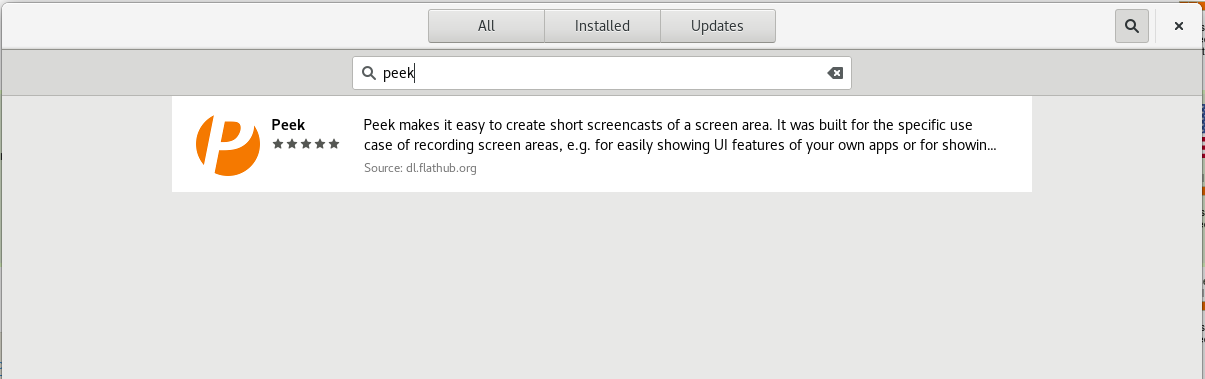
Apps from Flathub may take a while before showing up in Software. You can speed up this process by manually stopping gnome-software on your system with the following command in the terminal:
gnome-software --quit
Then open Software again.
Browsing the Flathub Apps
The Software interface does not yet provide a simple way to just browse the Flathub apps. Luckily, the Flathub website has a nice view of all the applications available.
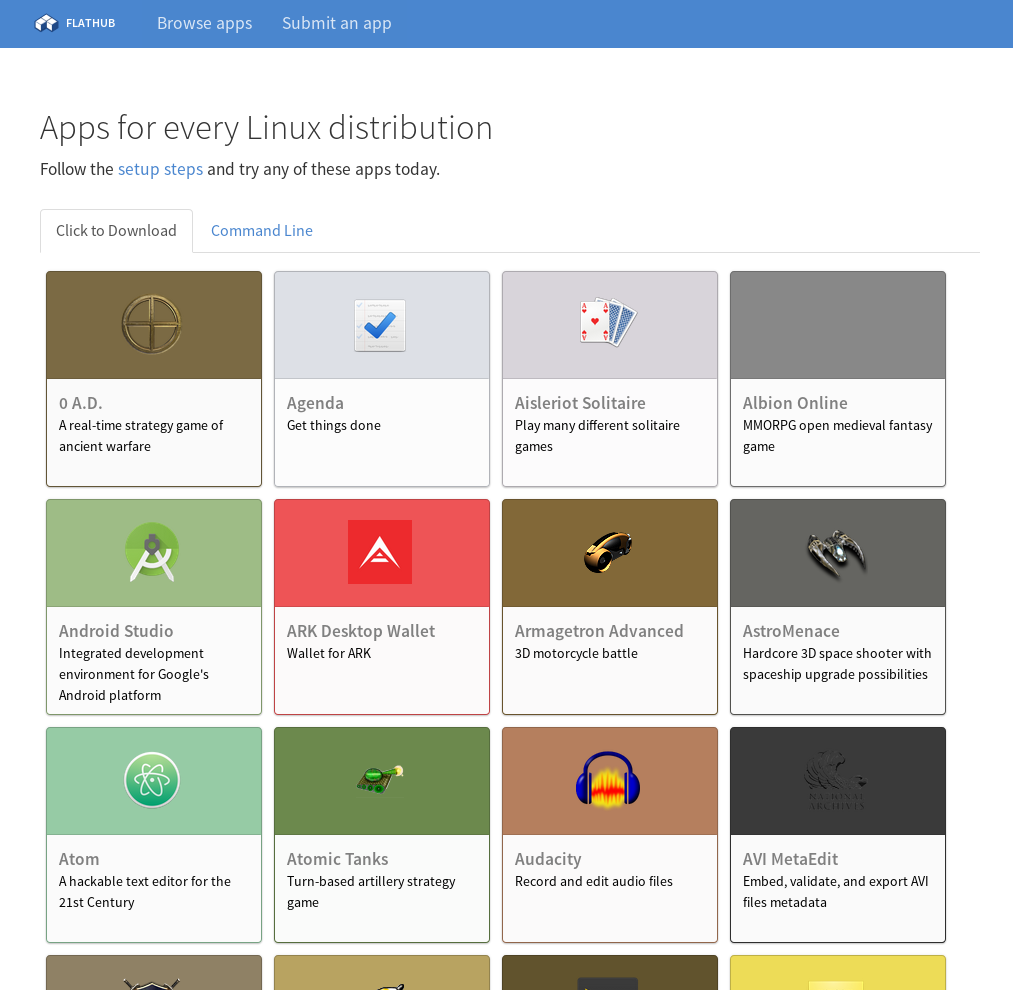
Simply search the apps there, find the one you want, then search for it and install in Software on your Workstation.
Source: https://fedoramagazine.org/install-flathub-apps-fedora/
Flatpak Usage
Installing Flatpak Applications
Setting up the Flathub repository:
Flathub is a a growing collection of apps which can be easily installed on any Linux distribution. Once setup, you can browse and install from an app center, like GNOME Software or KDE Discover. Alternatively, you can browse and install apps from the website or using the command line.
To add the Flathub repository, open the Terminal, and run:
$ flatpak remote-add --if-not-exists flathub https://flathub.org/repo/flathub.flatpakrepo
To add the Fedora Flatpaks repository (built in Fedora), run:
$ flatpak remote-add --if-not-exists fedora oci+https://registry.fedoraproject.org
Installing Flatpaks On Gnome (GNOME Software):
GNOME Software already supports Flatpak repositories, so applications can be installed directly from GNOME Software.
Simply open “Software” from the GNOME Overview, and search for your desired application. If it is available as a flatpak, you will see it’s source labeled as “flathub.org”.
Select the flatpak entry and click “Install”.
After that, the application can be launched as usual.
Installing Flatpaks On KDE (KDE Discover):
Starting in Discover 5.12, Discover now supports Flatpak repositories, so you can directly install flatpak applications from it.
Simply open Discover and browse or search through the app lists as normal. Similar to Gnome Software, applications that are available as flatpaks will list “Flatpak” as it’s source.
Upon installations, applications can be launched as usual.
Installing Applications (Command Line):
The flatpak command also lists and installs apps and runtimes. To list all apps available in a specific repository, run the remote-ls command:
$ flatpak remote-ls flathub --app
Then, install an app with the install command:
$ flatpak install flathub org.gnome.Polari
Once installed, you can use the run command to run the application:
$ flatpak run org.gnome.Polari

Source: https://developer.fedoraproject.org/deployment/flatpak/flatpak-usage.html